GootchApps Collective
Light Trails
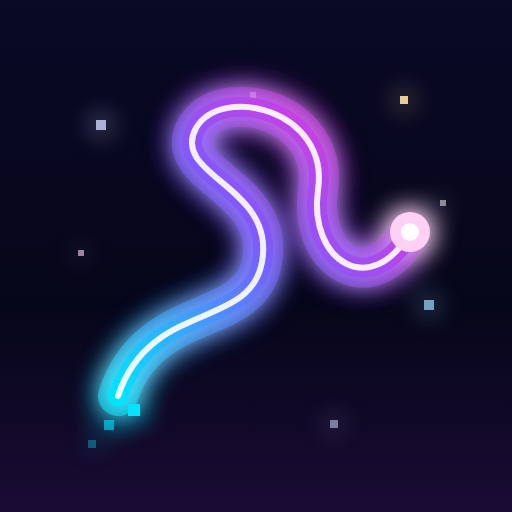
Drag your fingers across the dark.
Glowing neon trails follow, and every stroke plays music.

On a computer? Scan this with your Android phone's camera to open this page there, then tap Install.
Installing from Chrome
- Tap Install for Android. If Chrome asks, tap Download to keep the file.
- When the download finishes, tap Open (or find light-trails-1.0.0.apk in Downloads).
- If Android says it can't install unknown apps, tap Settings, switch on Allow from this source for Chrome, then go back.
- Tap Install. If Play Protect asks about an unrecognised app, choose Install anyway.
No account, no microphone and no tracking. Your paintings and clips stay on your phone.
You only install once. New features and fixes arrive inside the app automatically the next time you open it.
Prefer the browser? Paint with Light Trails on the web.